X · for people who build in public
Post what you ship, in your voice.
Crux turns your commits, merged PRs and releases into X posts in your voice, then learns from how they do.
7-day trial of Pro, no card. Then $19/month.

- Read-only sign-in with X
- Posts only what you schedule
- No card for the 7-day trial
Your first sign-in with X creates your account and starts your 7-day trial of Pro, no card needed. Signing in asks X for read-only access. Crux posts only what you schedule, on Autopilot, and it cannot like, follow or read your messages.
In short: Crux (Cruxpost) is a web app that turns your GitHub commits, merged pull requests and releases into three draft X posts in your voice, a few minutes after the work lands. You post the one you like yourself, or schedule it on Autopilot. Crux then reads each post’s numbers at 1 hour, 24 hours and 7 days and shows which kinds of post work for your account, only once a finding beats a test against chance.
Updated
- Real Crux screens, filled with its demo account: the posts and numbers in them are made up.
- How Crux measures, with a worked example
- The plugin, in public on GitHub
- Made by @marouanegazouzi
Ship
Your work is the brief.
Push, merge or release, and Crux starts from what you shipped.
Post
You decide what goes out.
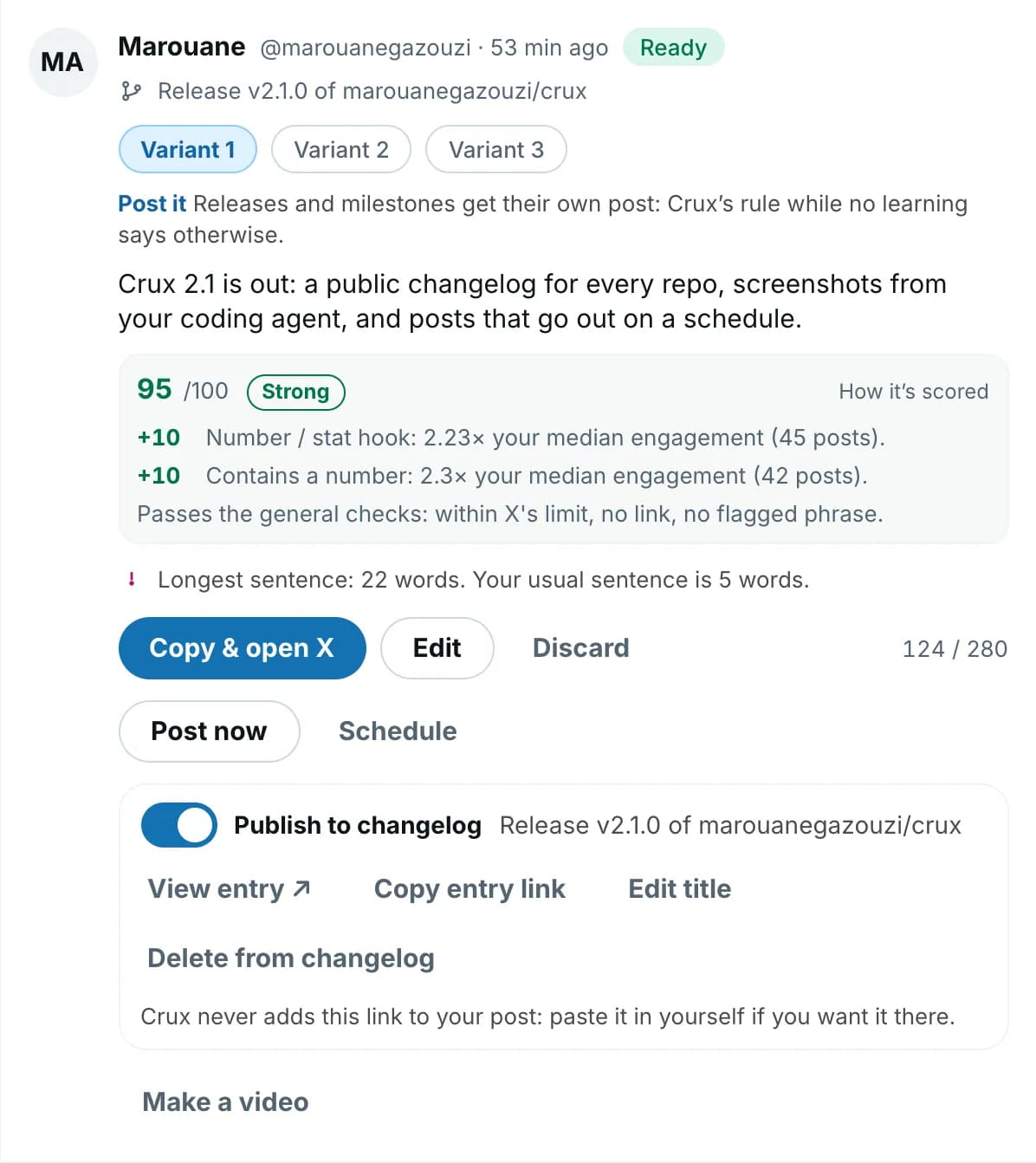
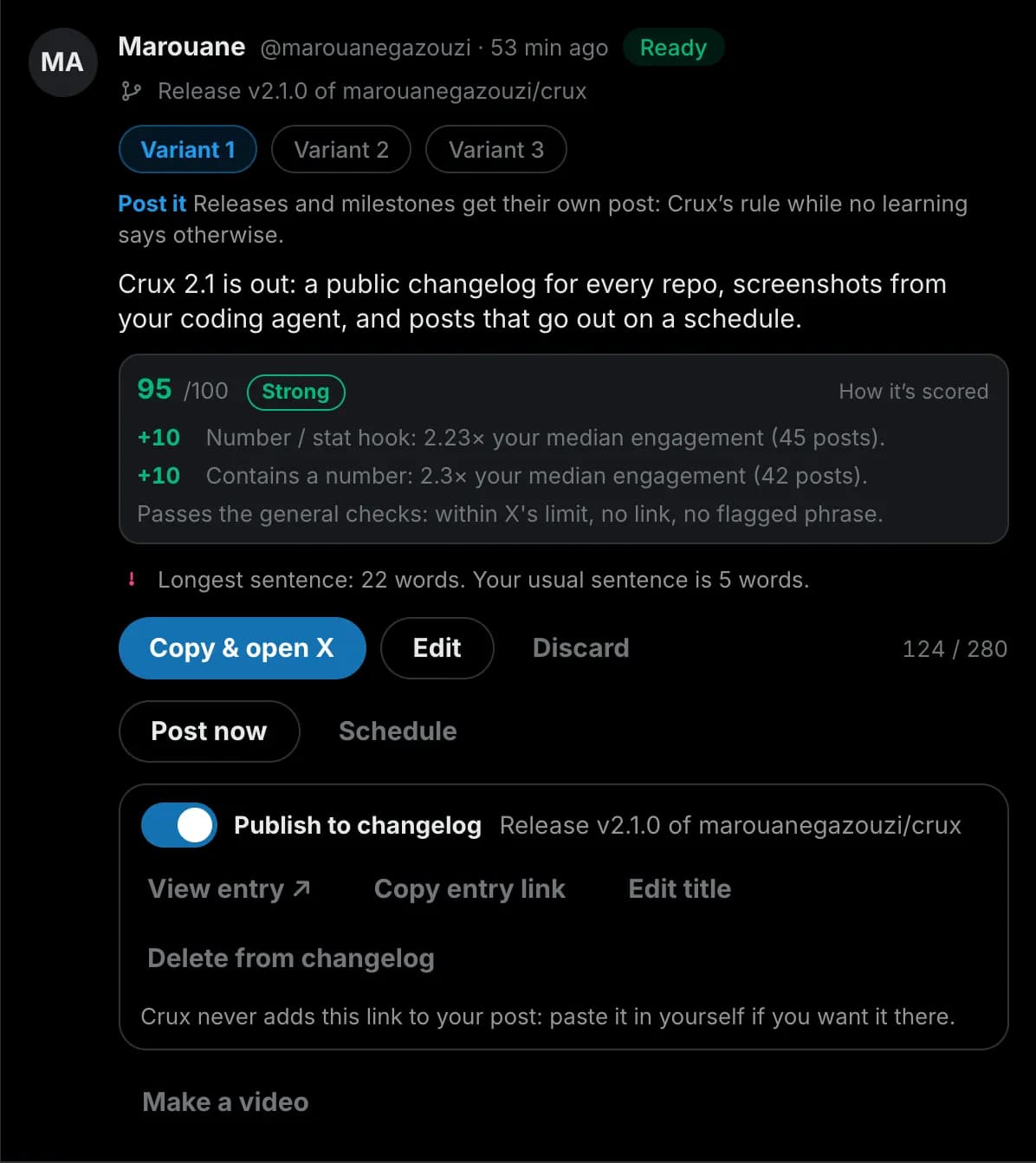
Each draft is scored against your own posts before you pick one.
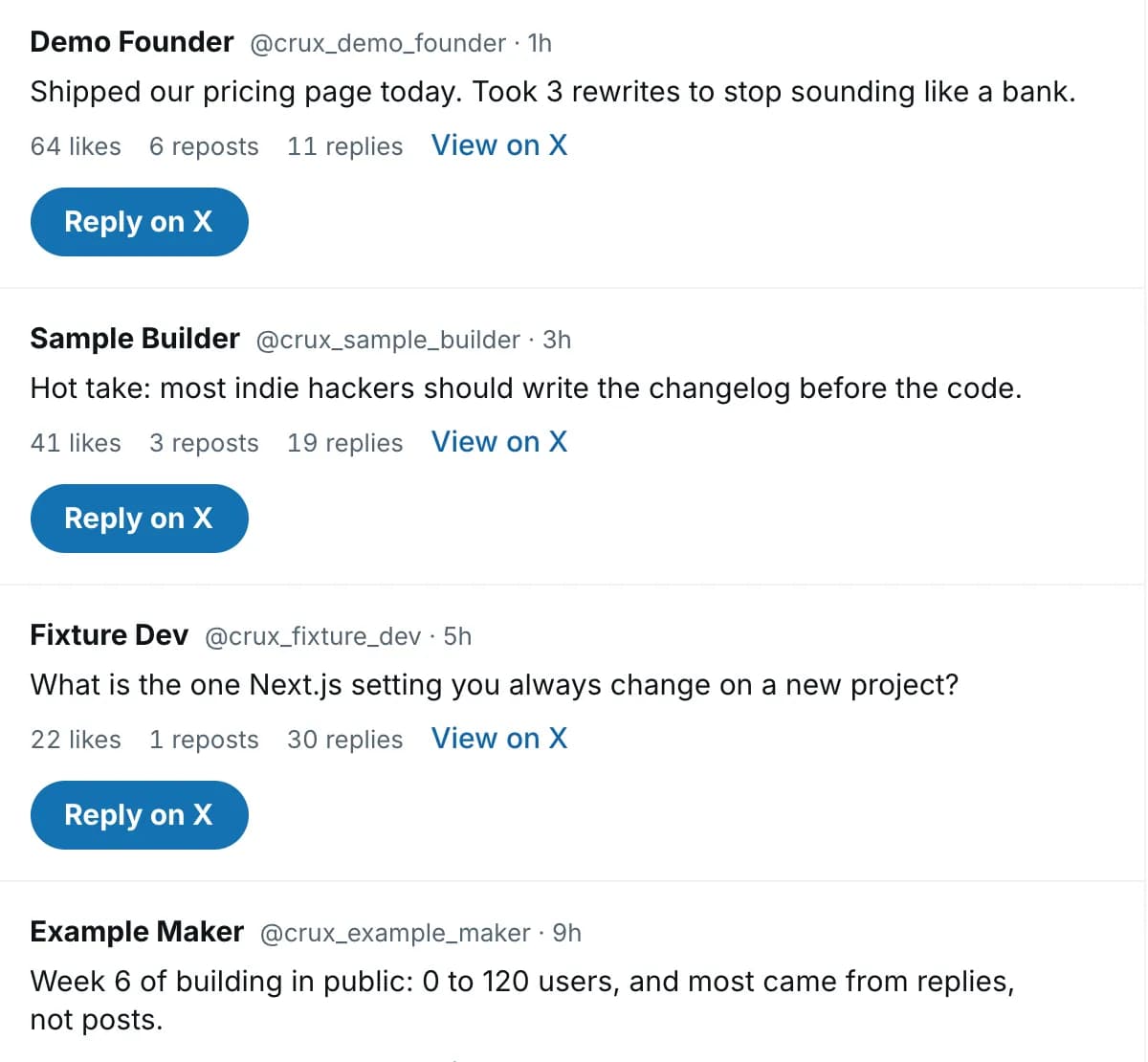
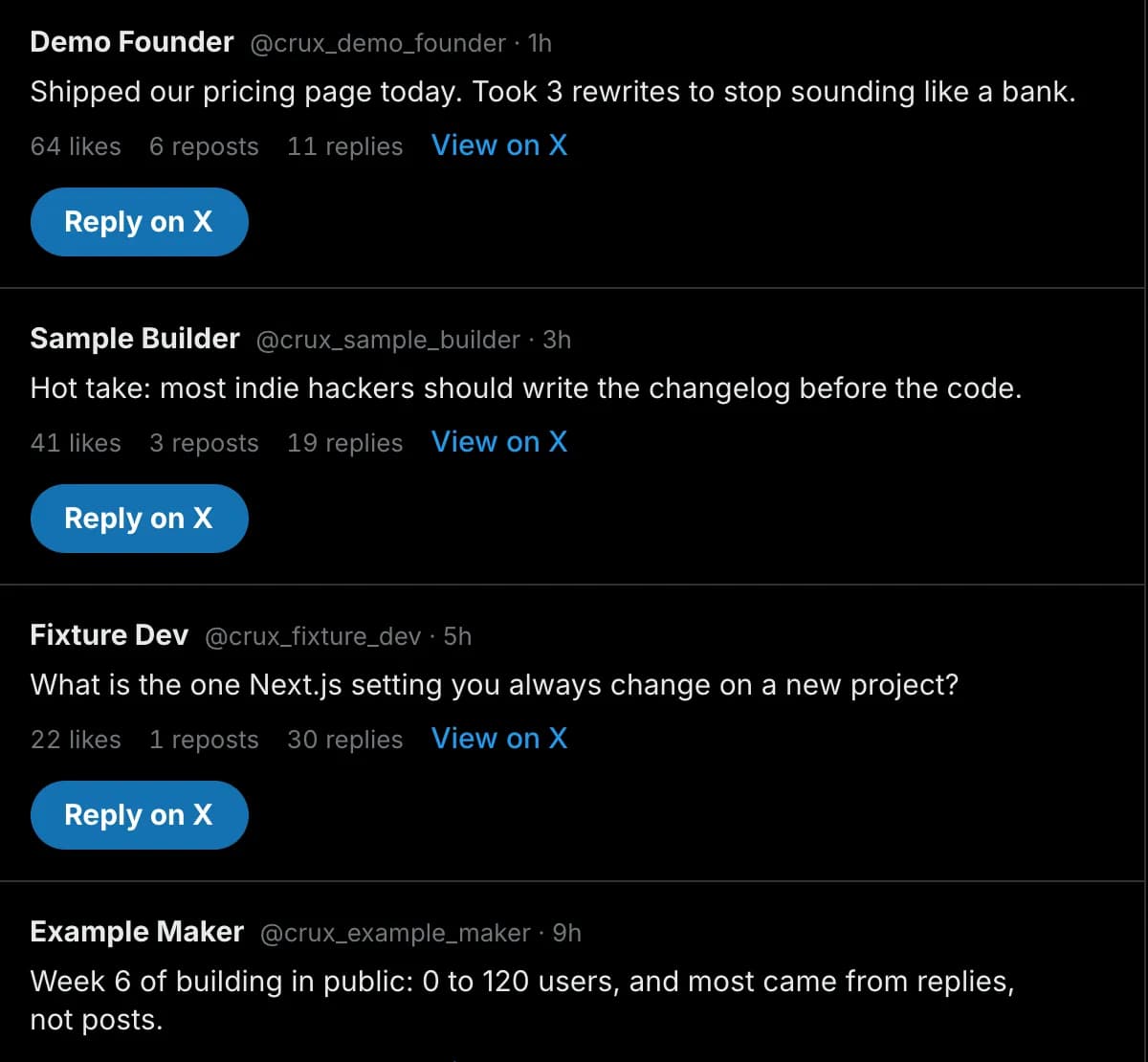
Replies: posts worth answering from the topics and accounts you watch.
Learn
Learnings only once they beat chance.
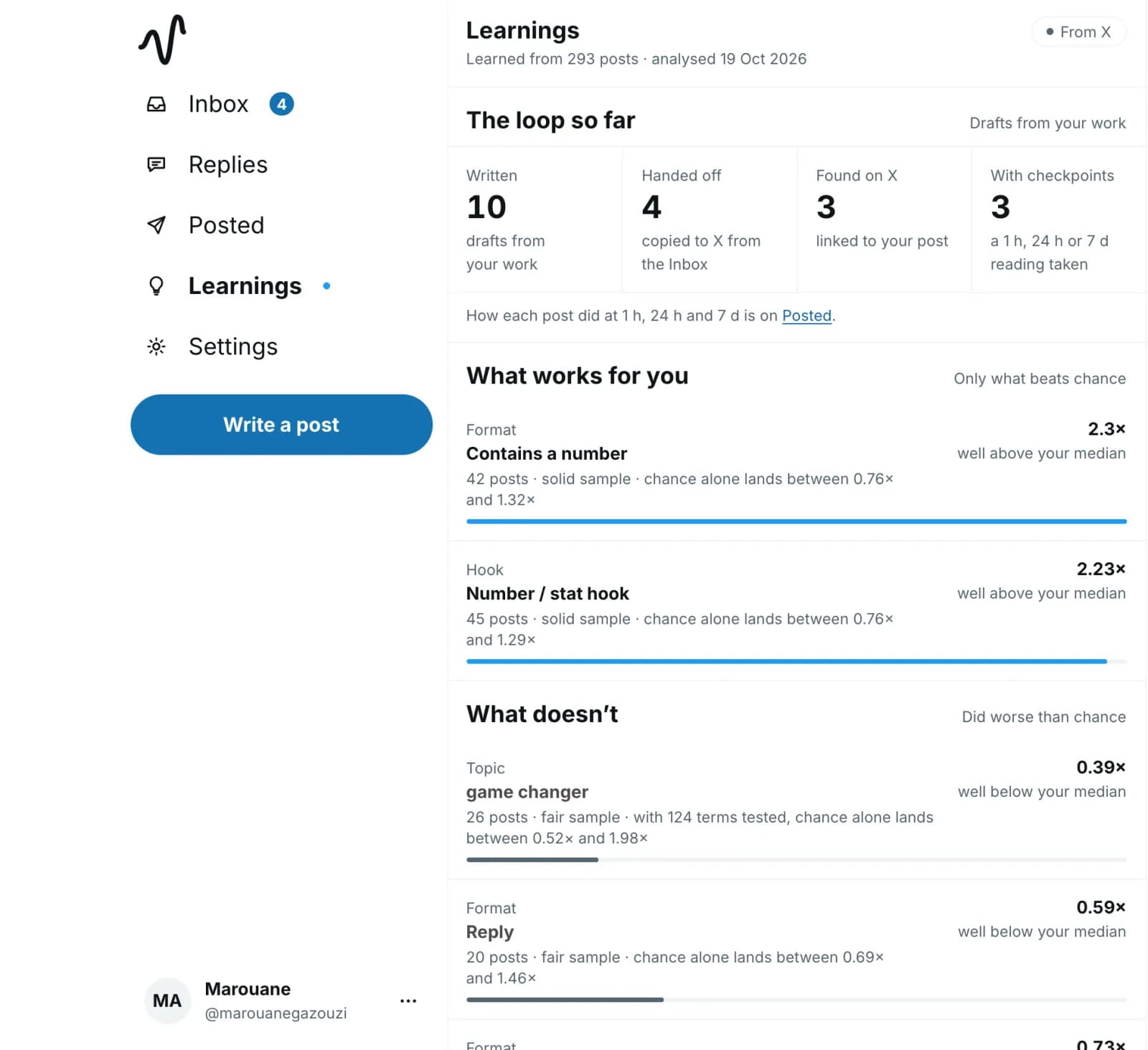
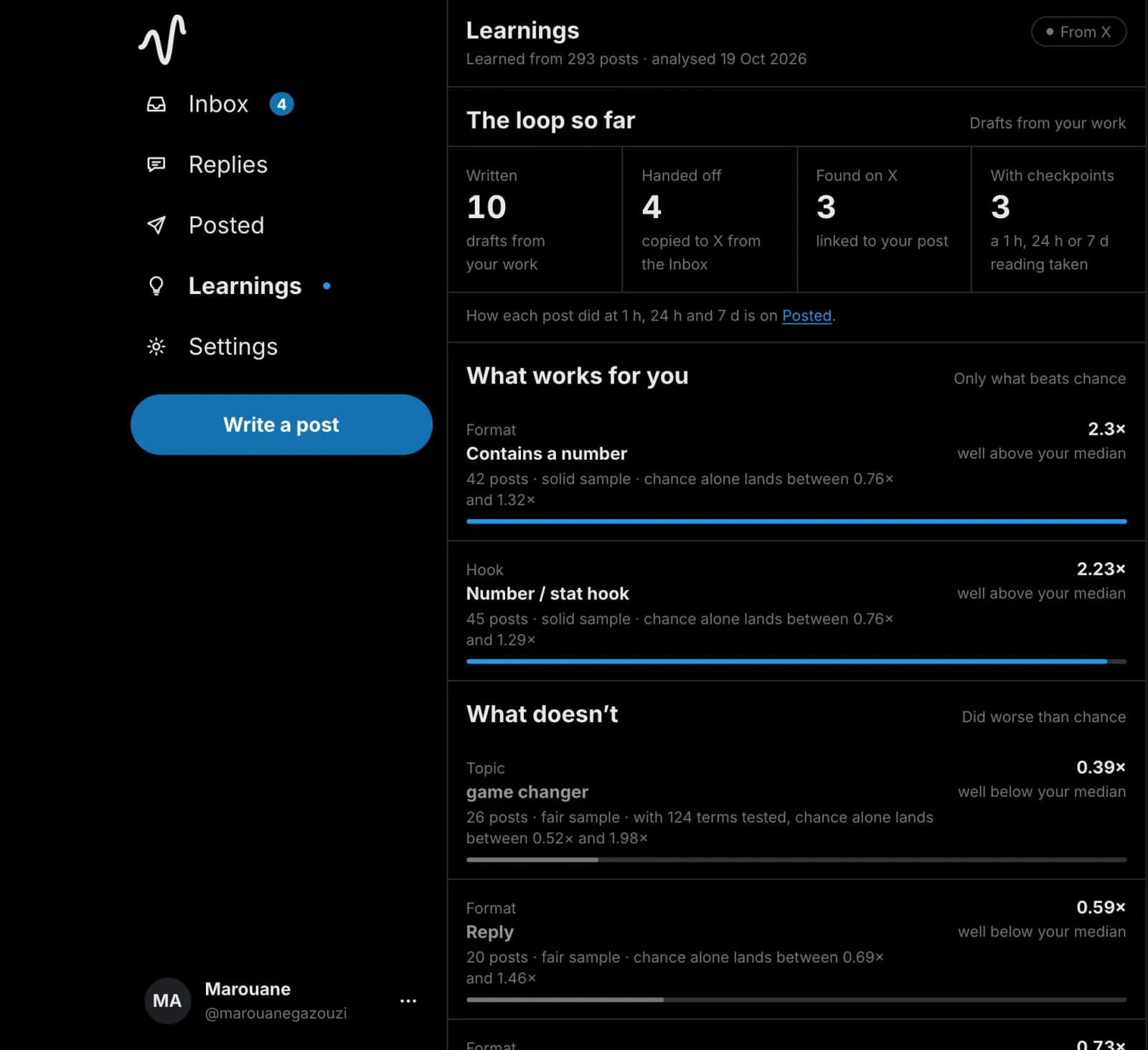
Every post from a Crux draft is read at 1 h, 24 h and 7 d, against your usual post.
How it works
One change, from the merge to the lesson.
Follow one pull request through Crux: what Crux receives, the draft it writes, the post and its numbers, and what Learnings make of it. Real Crux screens, filled with its demo account: the posts and numbers in them are made up.
Drafted
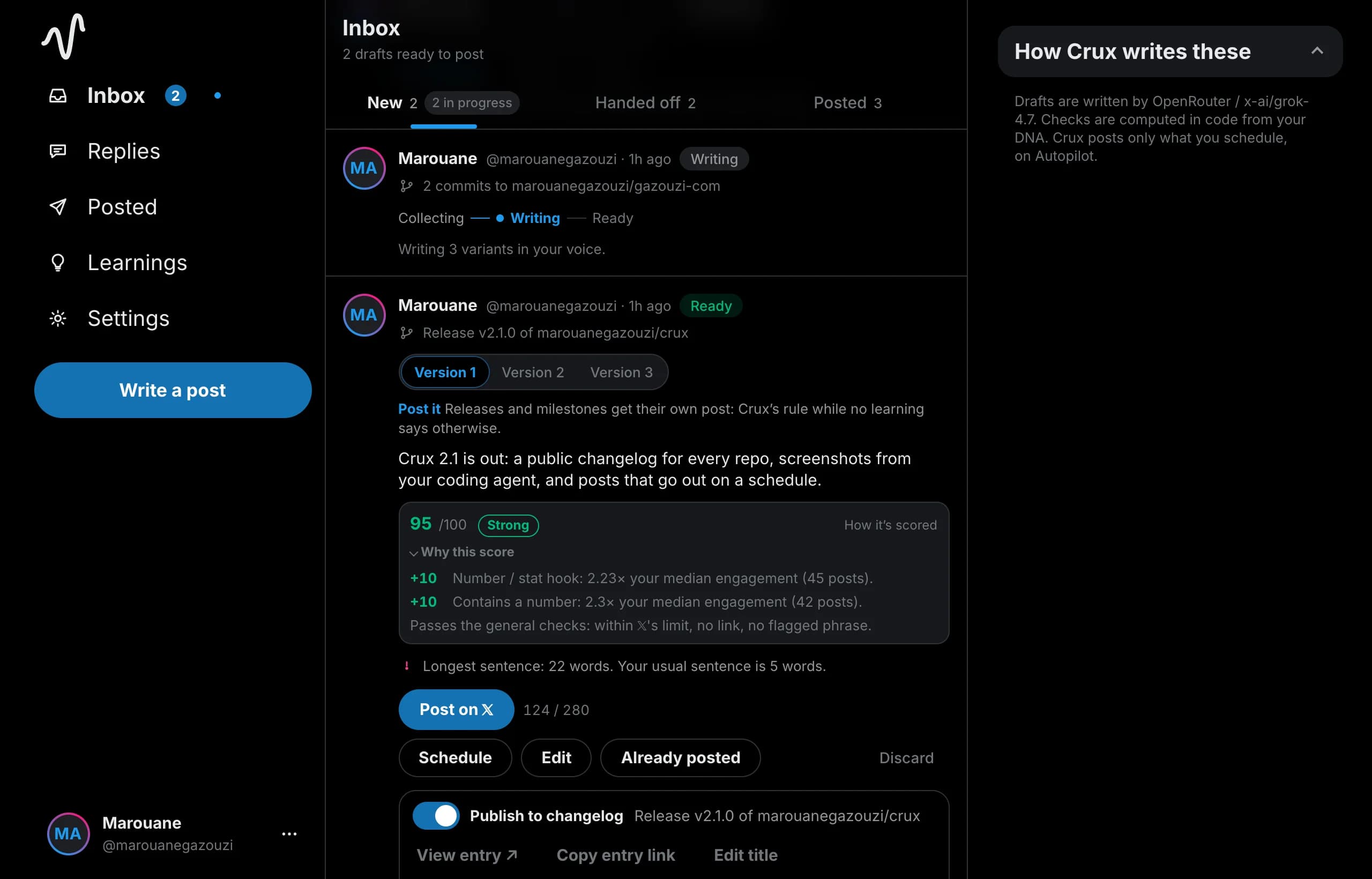
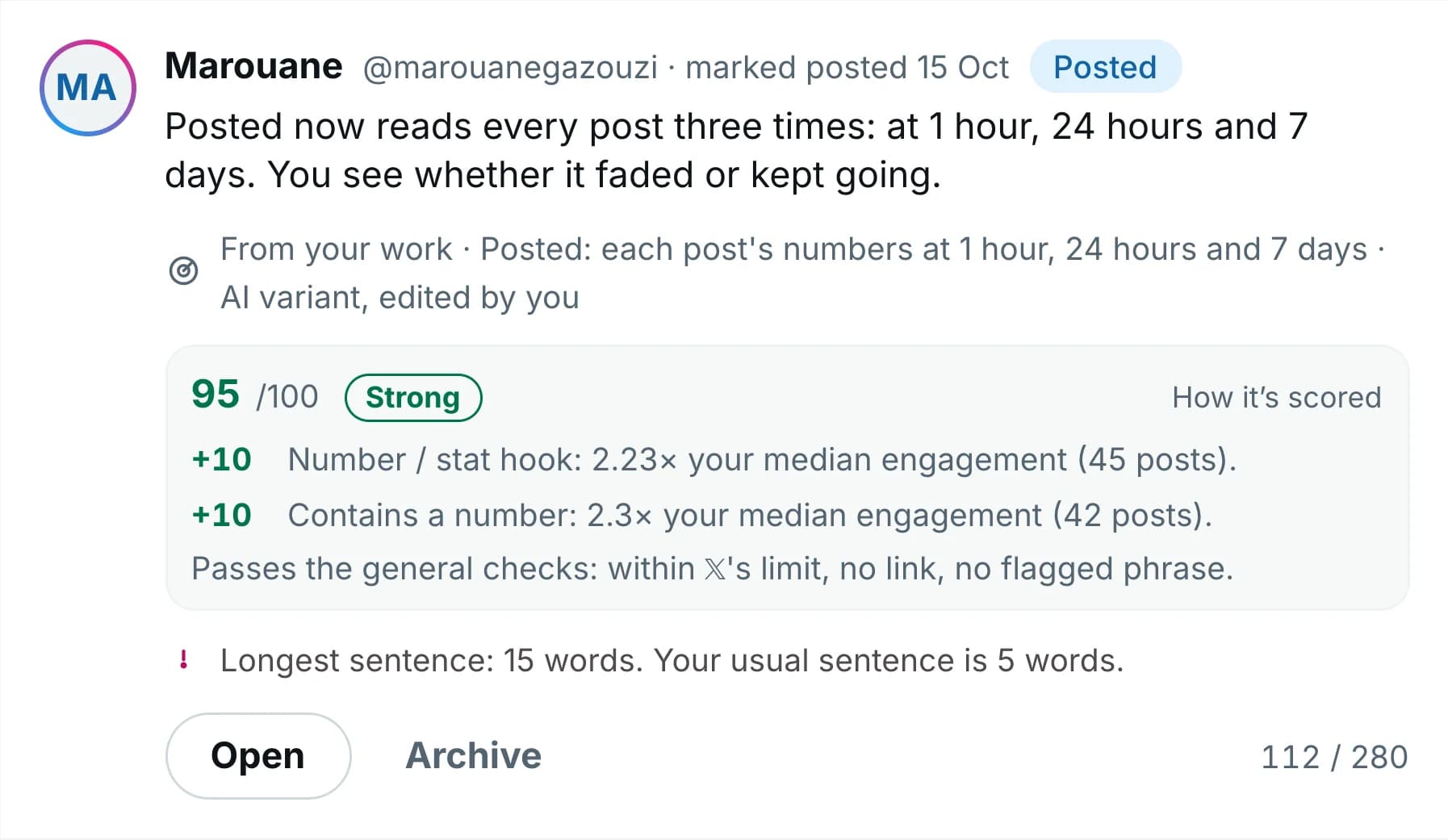
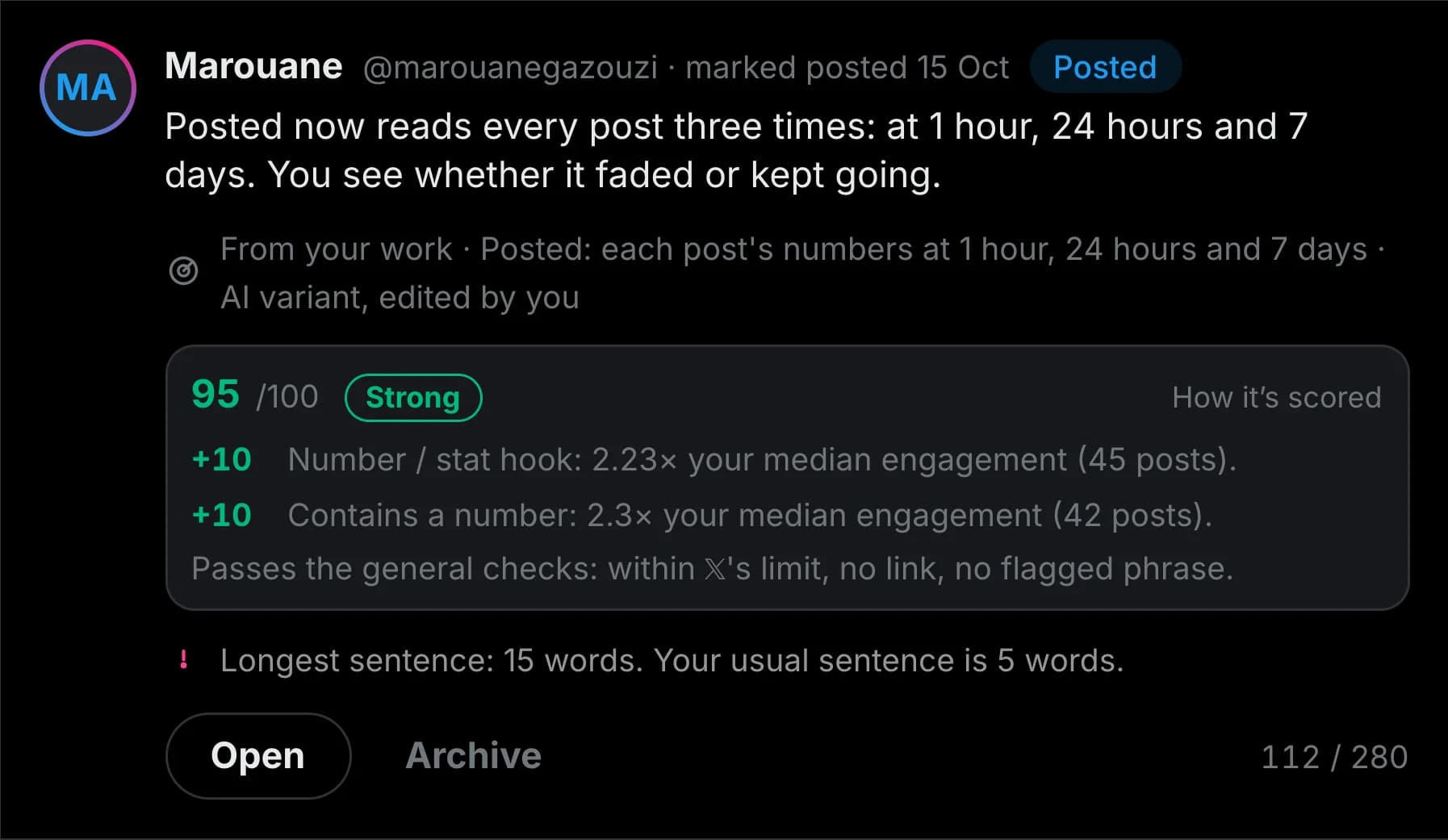
Three drafts, each with a score
Crux writes three variants in the account’s voice and puts them in the Inbox. Each is scored out of 100 against the account’s own posts, in code, with its reasons beside it: this one opens with a number, and posts that open with a number do well for this account.
Posted
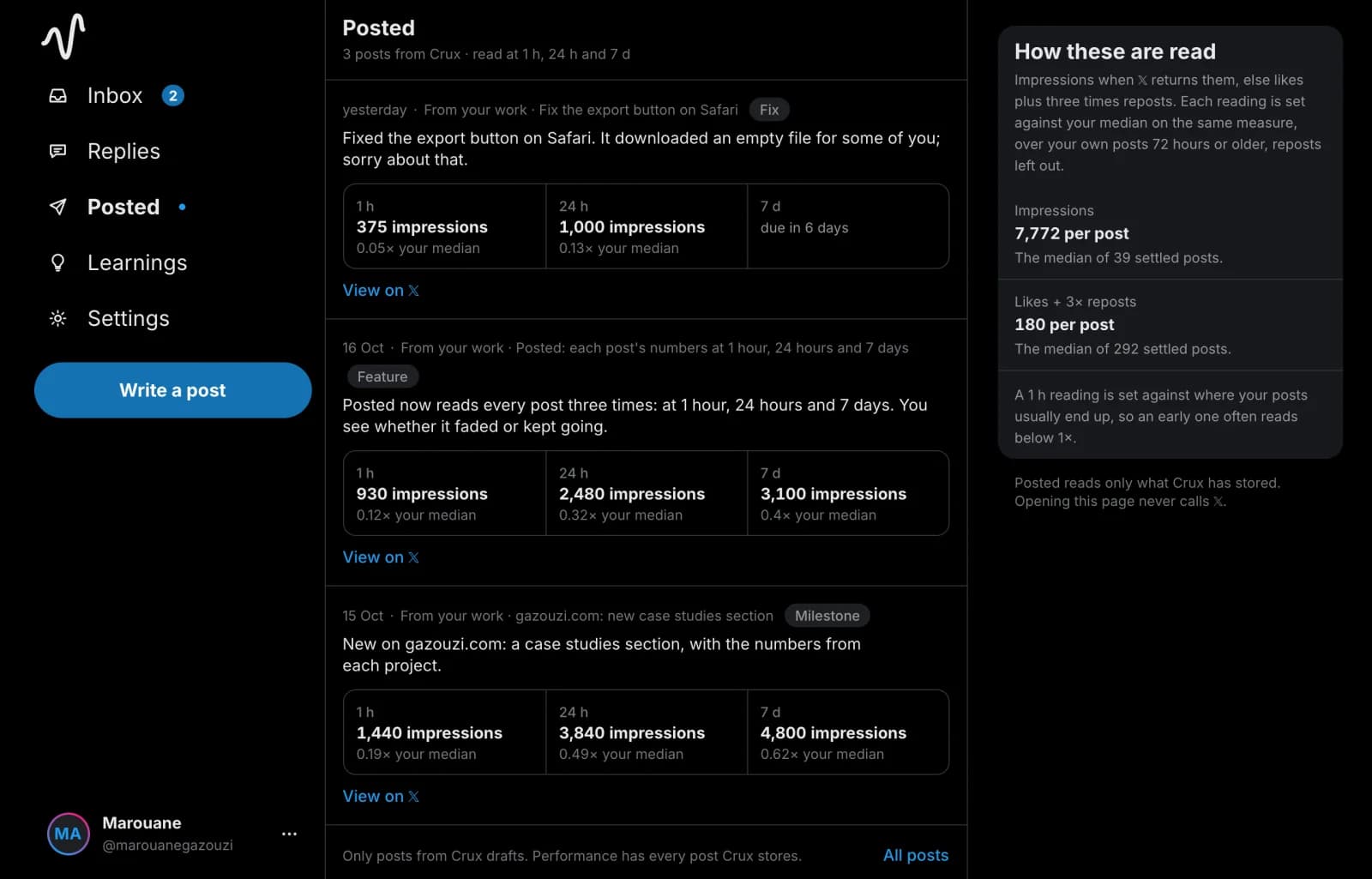
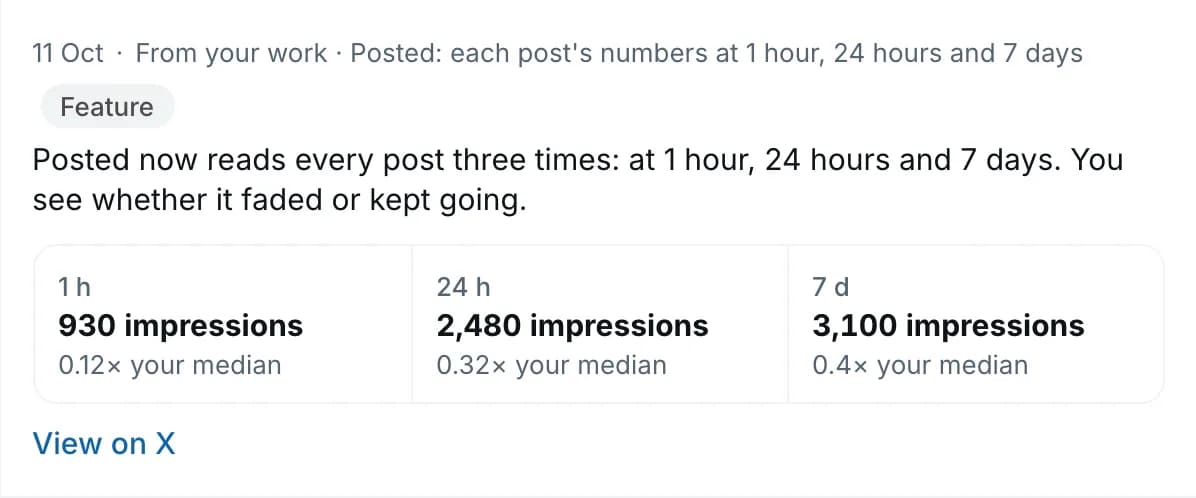
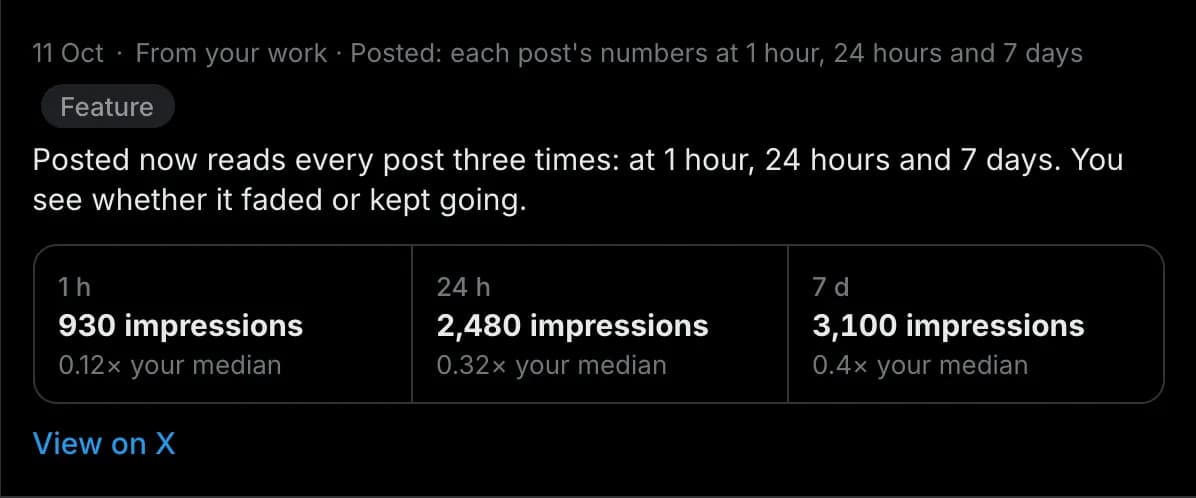
Posted on 𝕏, then read three times
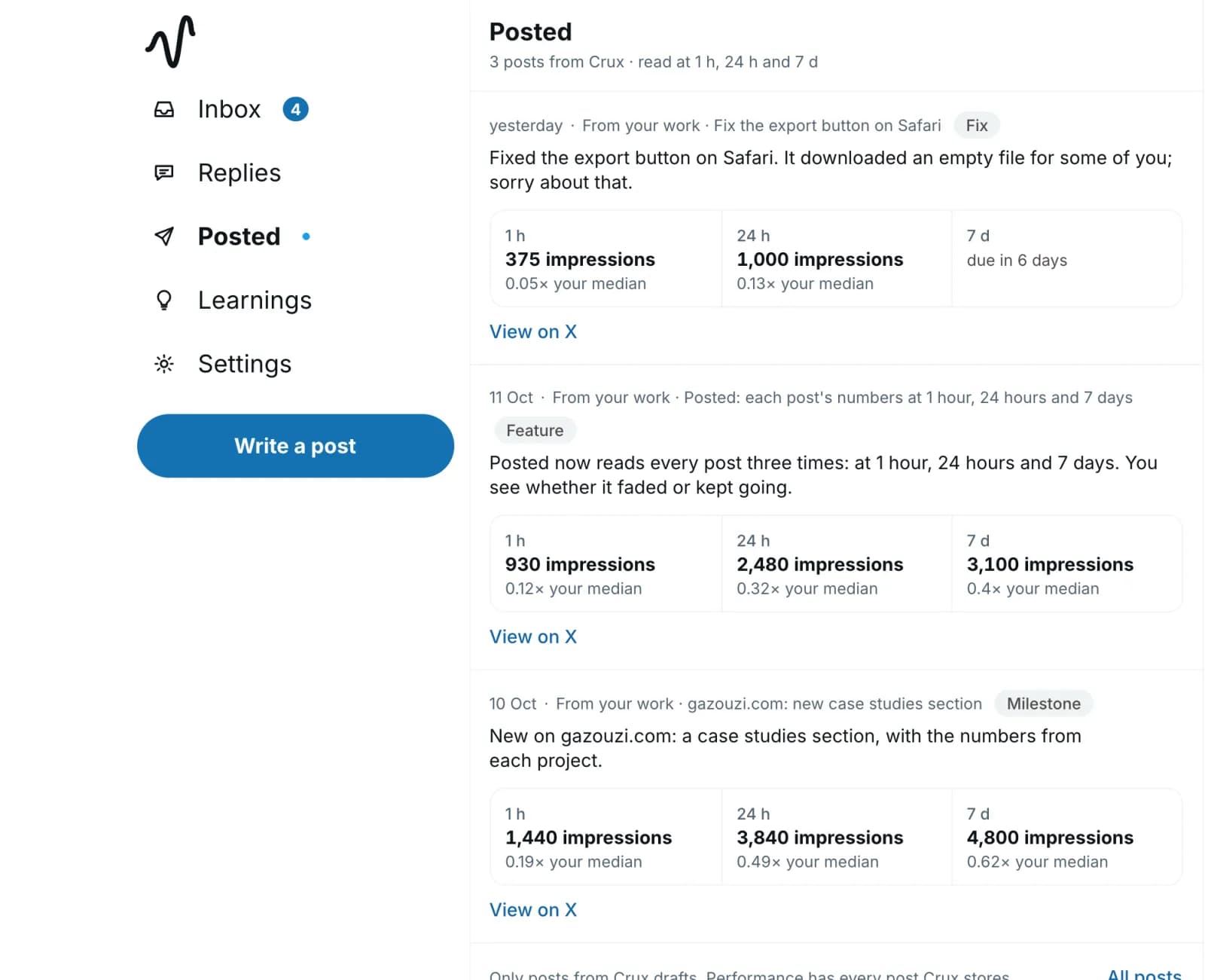
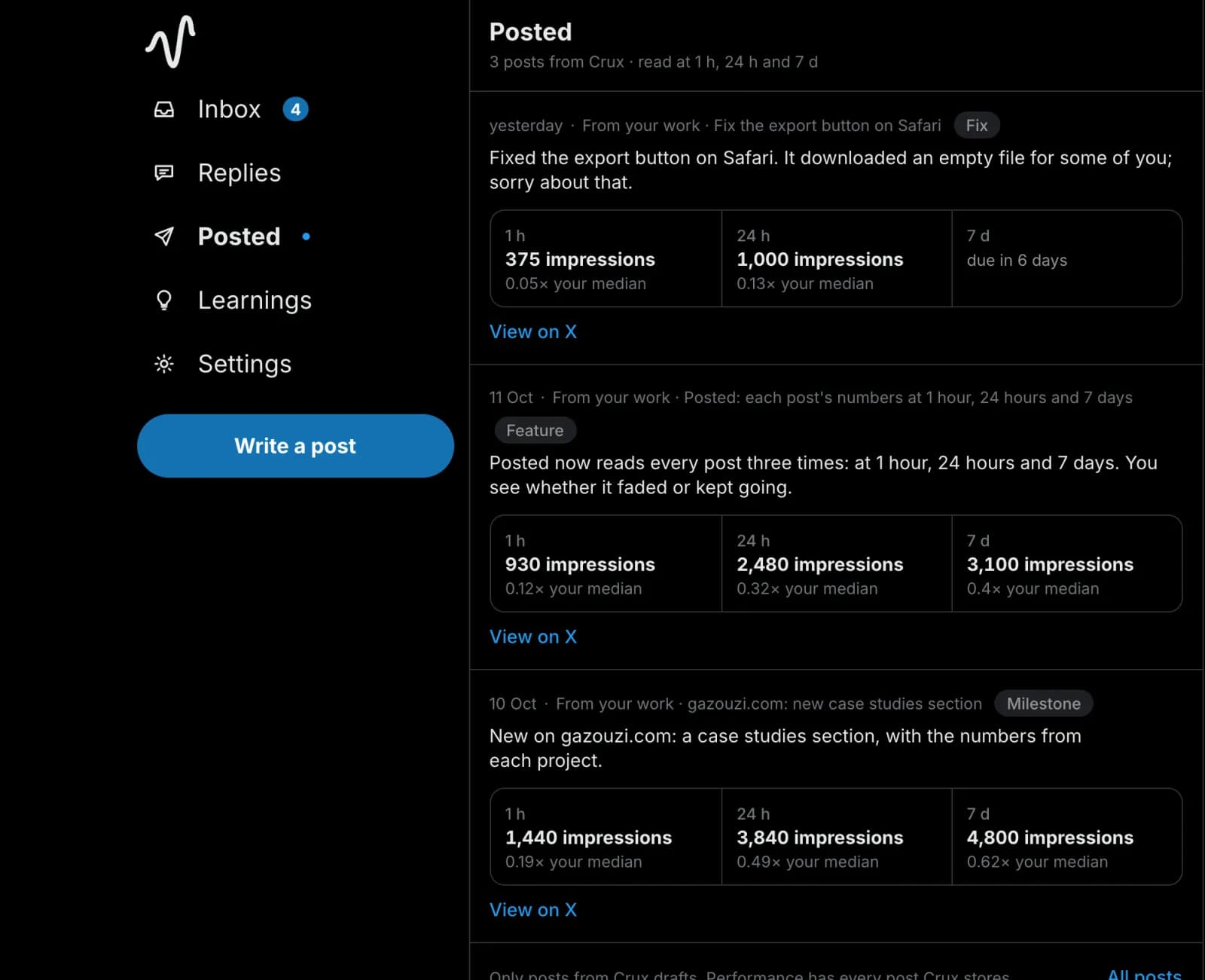
The owner pressed Post on 𝕏, which copied the text and opened 𝕏, and posted it there; on Autopilot it could have been scheduled instead. Crux found the post on the timeline, matched on its text, and read its numbers at 1 hour, 24 hours and 7 days, each against the account’s median. An early reading often sits below 1×: the median is where posts end up, not where they start.
Learned
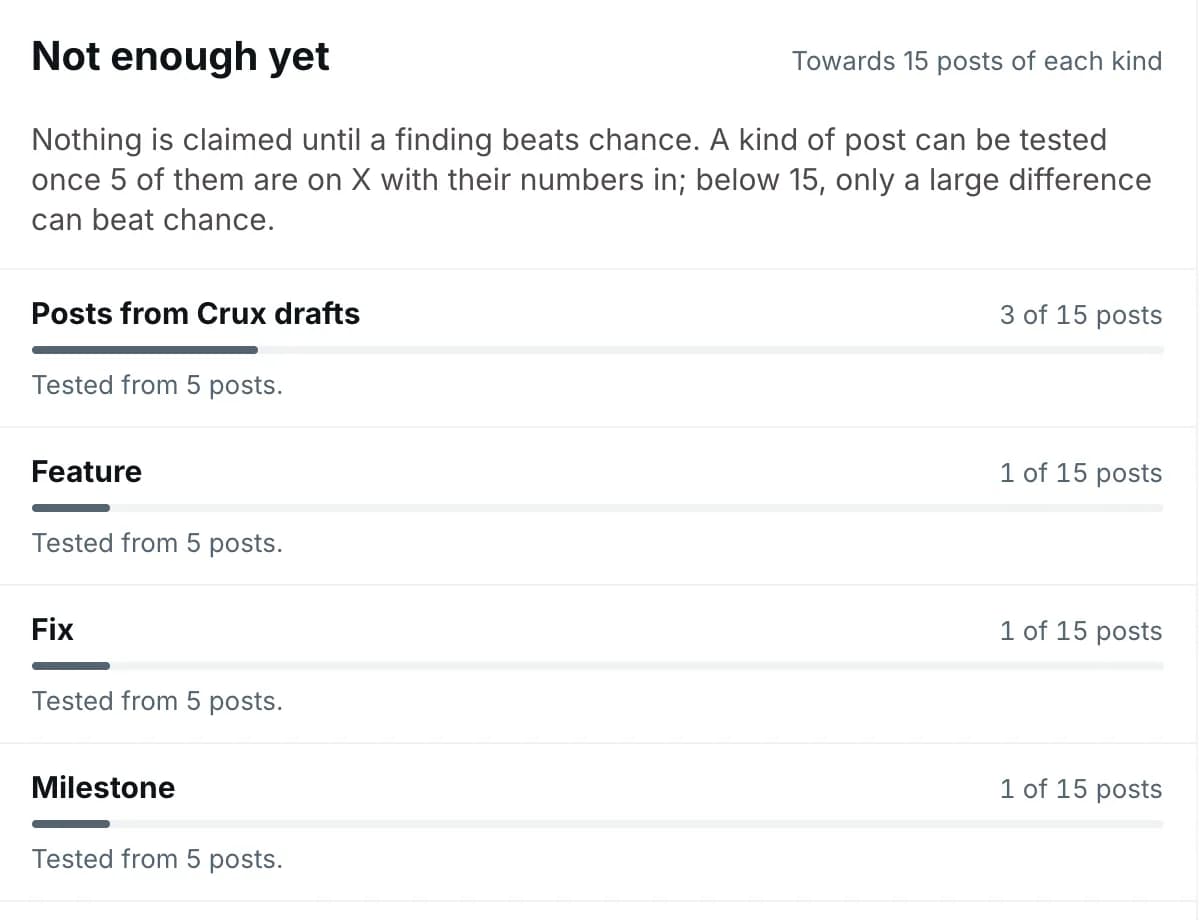
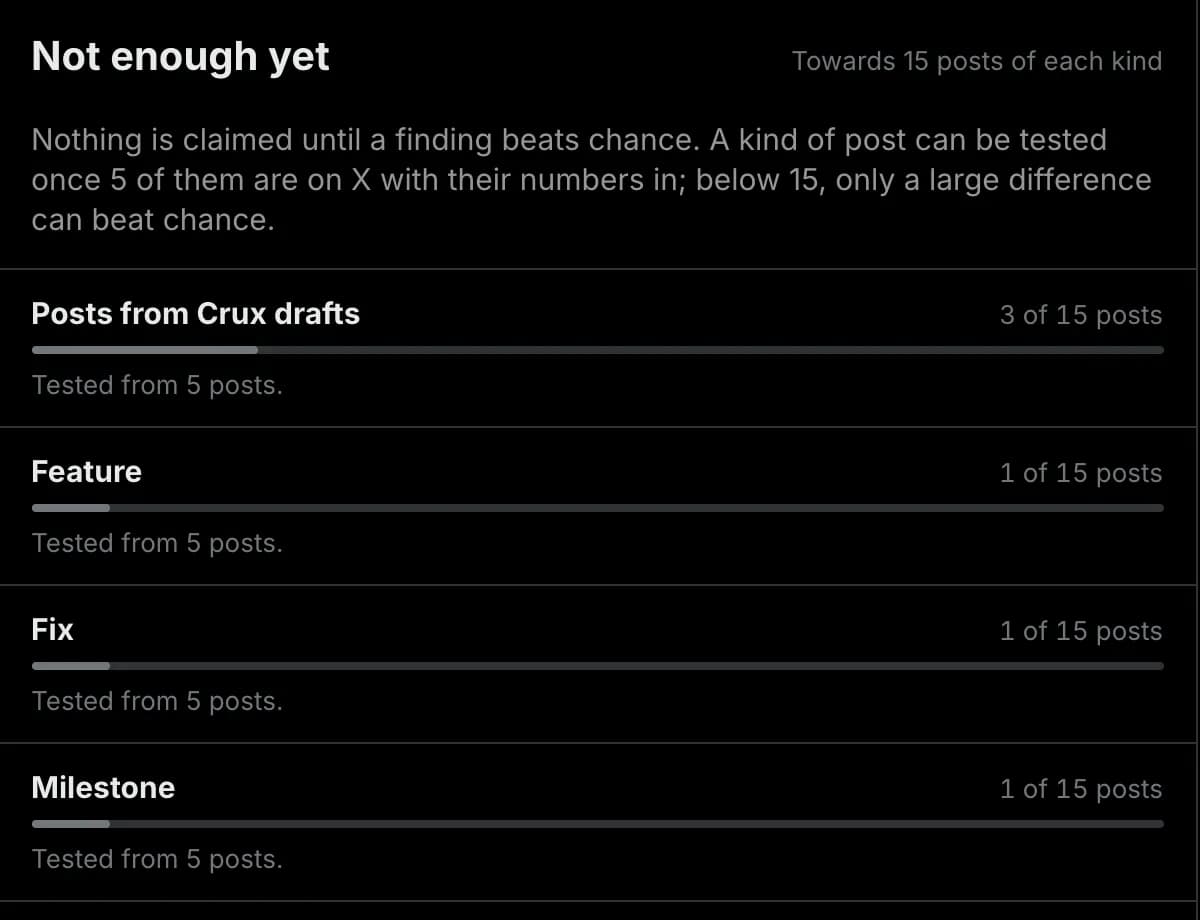
Counted, and nothing claimed yet
One post is not a finding. Learnings count it towards its kind of work, a feature, and towards posts from Crux drafts. A finding is shown, and goes into the next draft, only once it beats a test against chance. Until then the page says how many posts each kind has, and nothing more.
None of these steps posts anything you did not schedule. Read how Crux measures, with a worked example
GitHub
What Crux reads from your repos, and what it never opens.
You install the Crux GitHub App on the repos you choose, and switch on the ones Crux watches. Its access is read-only. Text from a private repo you watch goes to the AI model that writes your drafts, the same as a public one.
Built for
People whose work is the story.
Where we stand
Four things Crux will not do.
Pricing
Pro, free for 7 days. Then $19 a month.
Pro is $19 a month or $180 a year ($15 a month), and the launch deal is Pro for life for $49 once, for the first 100 buyers. Every account starts with a 7-day free trial of Pro that needs no card. When it ends without a paid plan, the account is read-only: you can still see, download or delete your data, and choose a plan. Cancel anytime.
7-day free trial, no card
Pro
Drafts from your work, readings and Learnings. You post each one.
$19/month
or $180 a year ($15 a month)
Start your 7-day trial- Drafts from every batch of work you ship, up to 6 batches in any 24 hours
- Three drafts in your voice each time, each scored against your own posts
- Notes from your coding agent, through the Crux plugin for Claude Code and Codex
- Readings at 1 h, 24 h and 7 d after you post
- Learnings, once a finding beats a test against chance
- Screenshots from your coding agent, and 4 template videos a month
- 3 reply feed refreshes a day
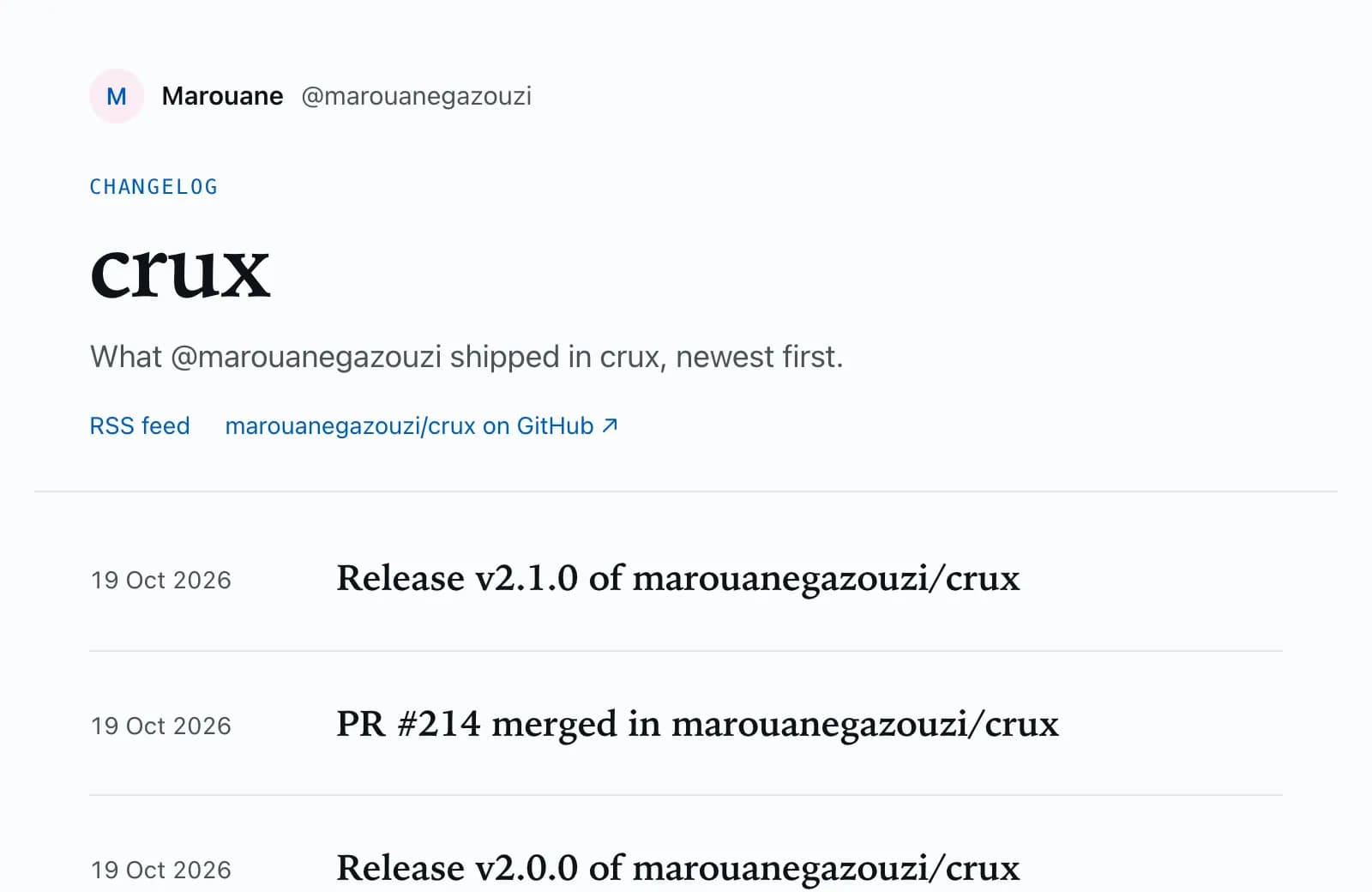
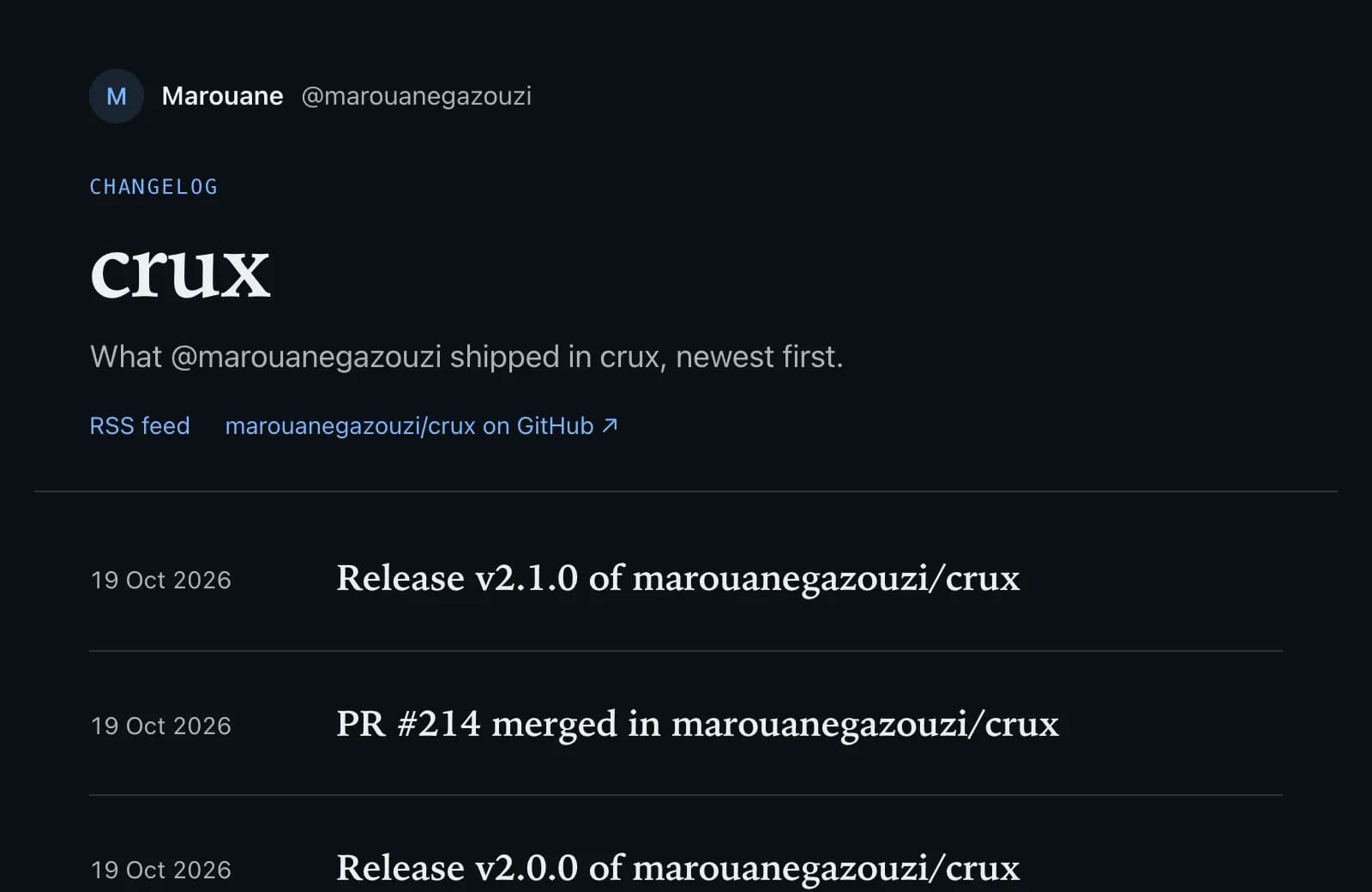
- A public changelog page for each repo you choose
- Post or fold each card, and a Friday recap of what you folded
Full loop
Autopilot
Everything in Pro, and Crux posts the drafts you schedule.
$29/month
or $276 a year ($23 a month)
Start your 7-day trial- Everything in Pro
- Scheduling, and posting to 𝕏 only what you schedule
- Post at a time you pick, or press Post now
- A best time to post, found from your own posts
- 30 posts with a link a month
- 15 template videos a month instead of 4
- 6 reply feed refreshes a day instead of 3
- Remove “Changelog by Crux” from your public changelog
First 100 buyers
Launch deal
Pro for life. No scheduling or posting.
$49once
Paid once, never renews
Start your 7-day trial- Everything in Pro, for as long as Crux runs
- Drafts, readings, Learnings and your public changelog
- 4 template videos a month and 3 reply feed refreshes a day, as on Pro
- Notes, screenshots and videos from your coding agent, through the plugin
- Scheduling and posting stay on Autopilot
Every account starts on the trial of Pro. Choose Autopilot or the launch deal in Settings, during the trial or after it. Every plan, in full
FAQ
Questions about Crux
Answers updated
What is Crux (Cruxpost)?
Crux, also called Cruxpost after its domain cruxpost.com, turns what you ship into posts for 𝕏 (formerly Twitter). You connect GitHub and choose the repos it watches. When you push to a repo’s default branch, merge a pull request or publish a release, Crux writes three drafts about it in your voice and puts them in your Inbox a few minutes later, and your coding agent can add what changed and why through the Crux plugin for Claude Code and Codex. You copy the draft you like to 𝕏 and post it yourself, or, on Autopilot, schedule it and Crux posts it for you. Crux then finds the post, reads its numbers at 1 hour, 24 hours and 7 days, and shows what works for your account once a finding beats a test against chance. Pro is $19 a month or $180 a year ($15 a month), and the launch deal is Pro for life for $49 once, for the first 100 buyers. Every account starts with a 7-day free trial of Pro that needs no card. When it ends without a paid plan, the account is read-only: you can still see, download or delete your data, and choose a plan. Cancel anytime. Crux is not affiliated with X Corp.
What does Crux read from GitHub?
Only what the repos you choose to watch send it through the Crux GitHub App, whose access to them is read-only. For each commit pushed to a watched repo’s default branch: its message, when it was made and the names of the files it changed. For a pull request merged into the default branch: its number, title and description. For a published release: its tag, name and notes. Crux also keeps each repo’s name, its default branch and whether it is private. Merge commits, pre-releases and commits whose message contains [skip crux] are left out.
Does Crux read my code?
No. Crux reads commit messages, pull request and release text, and the names of the files a commit changed. It never fetches a file or a diff, so your code stays on GitHub. GitHub sends push events only to apps with read access to a repo’s contents, which is why the Crux GitHub App asks for it; Crux never uses that access to open a file.
What happens to text from a private repo?
The same as text from a public one. The commit messages, pull request and release text and your agent’s notes in a batch go into the request that writes its drafts, and that request goes to a free AI model through OpenRouter. Nothing from a private repo is published unless you post or schedule a draft, or publish its entry on the repo’s public changelog, yourself. If a repo’s commit messages should not leave GitHub, leave it unwatched in Settings.
Does Crux post for me?
Only what you schedule, on Autopilot: a draft goes to 𝕏 when you pick a time or press Post now, after you allow Crux to write to your 𝕏 account and turn posting on in Settings. It never replies, likes or follows on your behalf, and signing in gives it read-only access. On every plan, Post on 𝕏 copies a draft and opens 𝕏 with it, ready for you to post.
How does Crux learn what works for me?
From your own posts, not other accounts’. Your past 𝕏 posts are the baseline: each post’s engagement is divided by the median of the 20 posts published nearest it in time, so follower growth does not decide the result. Every post Crux finds from one of its drafts carries the kind of work it announced (launch, feature, fix, improvement, milestone or other). Learnings test each kind, and posts from Crux drafts, against your usual post, alongside your hooks, formats and topics. A finding is shown only once it falls outside the range that random draws of your own posts produce. Until then, Learnings count the posts each kind has so far and claim nothing.
What does the Crux plugin do?
It lets your coding agent tell Crux why a change matters, which a commit message rarely says. You install it in Claude Code or Codex with a token you create in Settings. After a change people would notice, such as a feature, a visible fix or a launch, the agent sends Crux a short note on what changed, why, and for whom, and Crux writes from the note first. Its instructions tell the agent to skip refactors, chores and dependency bumps, and to leave out secrets, customer names and numbers you have not made public. It works without GitHub connected: after a short wait, a note on its own becomes a draft.
How do I get access to Crux?
Sign in with 𝕏: the first sign-in creates your account. Then connect GitHub in Settings and choose the repos Crux watches, and your next push becomes a draft.
What does Crux need from my 𝕏 account?
To sign in, read-only access through the 𝕏 permissions tweet.read, users.read, offline.access. They let Crux read your posts and profile, find the posts you publish from its drafts, and stay connected without asking you to sign in again. Crux never asks for permission to like, follow or read direct messages. You can also upload your 𝕏 archive instead of importing through 𝕏.
Does Crux use AI?
To write drafts: the ones Crux writes when you ship, and the ones you ask for. A draft request carries the work it is about and a profile of your voice built from your own posts. Crux sends those requests to a free AI model through OpenRouter. Other people’s posts are never sent to it, and the analysis of your posts and every score are computed in code, not by a model.
How much does Crux cost?
Pro is $19 a month or $180 a year ($15 a month), and the launch deal is Pro for life for $49 once, for the first 100 buyers. Every account starts with a 7-day free trial of Pro that needs no card. When it ends without a paid plan, the account is read-only: you can still see, download or delete your data, and choose a plan. Cancel anytime.
Your next push can be your next post.
Sign in with 𝕏, connect GitHub, and Crux drafts the next thing you ship. Your 7-day trial of Pro needs no card.
Your first sign-in with X creates your account and starts your 7-day trial of Pro, no card needed. Then connect GitHub in Settings.